
Writing engaging content often requires highlighting external quotes, inserting system warnings, or drawing focus to specific context blocks. In Markdown, blockquotes provide a clean, native way to isolate and style individual chunks of text from the main flow. This guide explains how to format single-line, nested, and multi-paragraph blockquotes using standard Markdown syntax.
Key Takeaways
- Create blockquotes by adding a greater-than sign (>) at the start of a line.
- Include blank lines containing only the > symbol to format multi-paragraph blockquotes.
- Nest blockquotes inside other blockquotes using double greater-than signs (>>).
- Combine blockquotes with other formatting elements like bold, lists, and headers.
How to Create a Basic Blockquote in Markdown?
To create a basic blockquote, start a line with a greater-than sign > followed by a single space and your text content.
> The best way to predict the future is to create it.This will render as:
The best way to predict the future is to create it.
The HTML equivalent generated by Markdown processors:
<blockquote>
  <p>The best way to predict the future is to create it.</p>
</blockquote>
How to Format Multi-Line and Multi-Paragraph Blockquotes?
If you have a blockquote that spans multiple lines or contains paragraphs, you have two options for structuring the syntax cleanly.
Option 1: Multi-Line Blockquotes
You can prepend the > symbol to every line of the quote:
> Markdown is a lightweight markup language.
> It was created by John Gruber in 2004.
> The goal was to be readable even as plain text.
This renders as:
Markdown is a lightweight markup language. It was created by John Gruber in 2004. The goal was to be readable even as plain text.
Option 2: Multi-Paragraph Blockquotes
If your quote has multiple paragraphs, insert a > symbol on the empty lines separating the paragraphs. This maintains the blockquote wrapper across the entire block.
> First paragraph of the quote.
>
> Second paragraph of the same quote.
This renders as:
First paragraph of the quote.
Second paragraph of the same quote.
How to Create Nested Blockquotes?
You can nest blockquotes within each other by adding an additional > symbol. This is particularly useful for email-style threads, forum discussions, or nested code callouts.
> Outer blockquote context.
>
> > Inner blockquote nested inside.
This renders as:
Outer blockquote context.
Inner blockquote nested inside.
Can I Use Other Markdown Elements Inside Blockquotes?
Yes! Blockquotes are highly flexible and can contain other inline or block-level Markdown elements, including headers, bold text, lists, and inline code blocks.
> ### Important System Alert
>
> Always **back up** your configuration files before running `npm install`.
>
> - Verify dependencies.
> - Check system compatibility.
This renders as:
Important System Alert
Always back up your configuration files before running
npm install.
- Verify dependencies.
- Check system compatibility.
While blockquotes are the universal baseline for styling warnings and notes, modern documentation sites (including MeshWorld) provide styled <Callout> containers that offer more precise color-coding and icons. Use blockquotes for direct quotes, and <Callout> for warnings or tips.
Summary Checklist
- Use
>at the start of a line to format blockquotes. - Maintain
>on blank lines to format multi-paragraph blocks. - Use
>>to create nested blockquote elements. - Embed headers, lists, and bold text inside blockquotes if needed.
- Attribute your quotes directly below the blockquote block.
Frequently Asked Questions
Do I need a space after the greater-than sign?
Yes, a space is highly recommended (e.g., > Quote instead of >Quote). It ensures compatibility across all Markdown parsers and makes raw files easier to read.
How do I close or end a blockquote?
To end a blockquote and return to standard body paragraphs, simply leave a blank line without a > symbol.
Why is my blockquote merging with the following paragraph?
If you forget to leave a blank line after your blockquote, the markdown parser may combine the subsequent text into the blockquote block. Always leave an empty line.
What to Read Next
- How to Use Headings in Markdown: A Complete Guide — Learn how to set headers and improve document structure.
- How to Create Links in Markdown — Discover the syntax for hyperlinks, autolinks, and hover titles.
Related Articles
Deepen your understanding with these curated continuations.
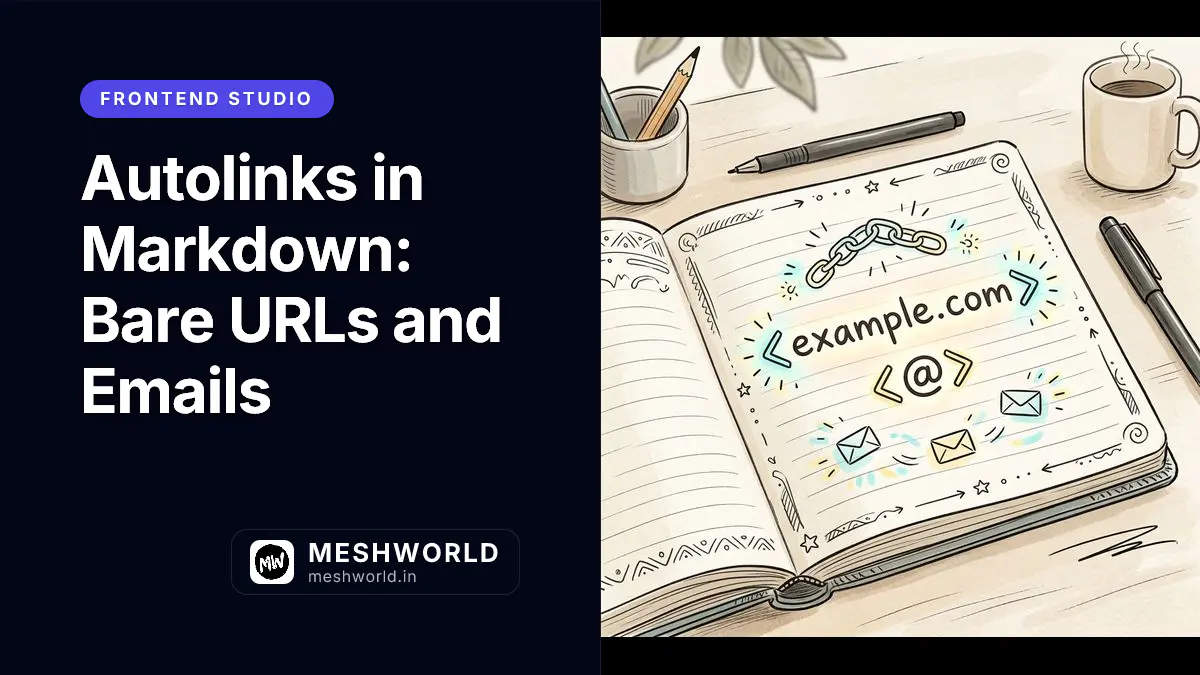
Autolinks in Markdown: Bare URLs and Emails
Learn the difference between CommonMark's angle-bracket autolinks and GitHub-Flavored Markdown's extended autolinks for bare URLs and email addresses.

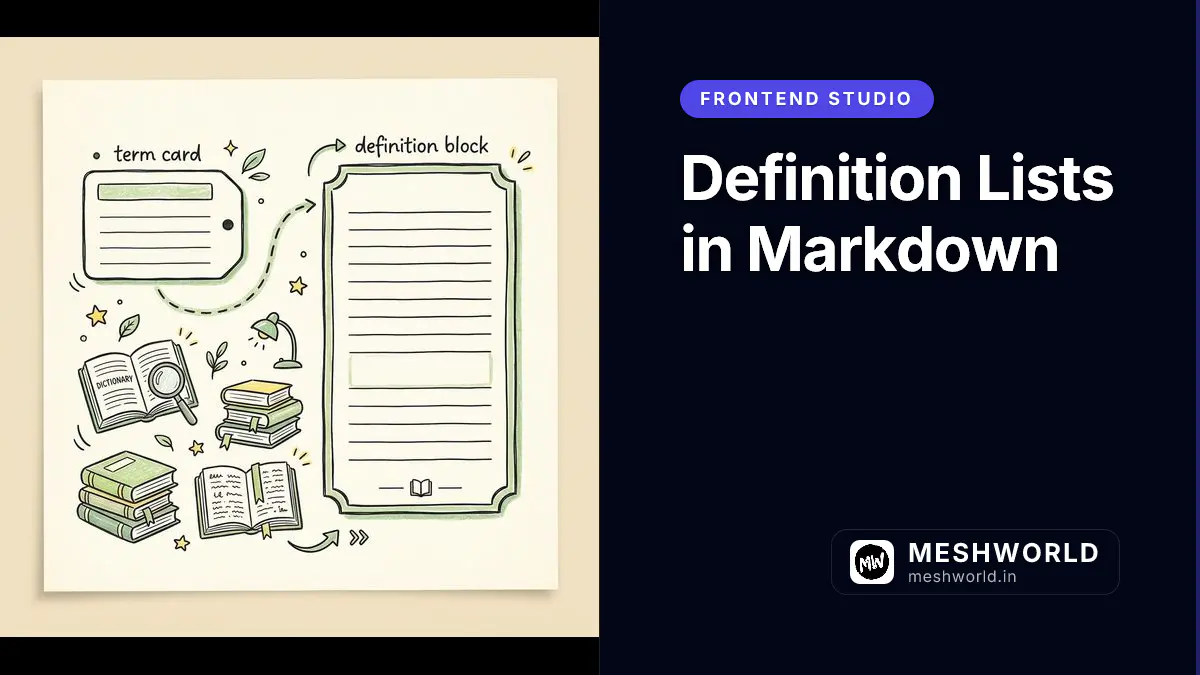
Definition Lists in Markdown
Learn the Markdown Extra-style definition list syntax for terms and descriptions, useful for glossaries and API documentation, plus which tooling supports it.
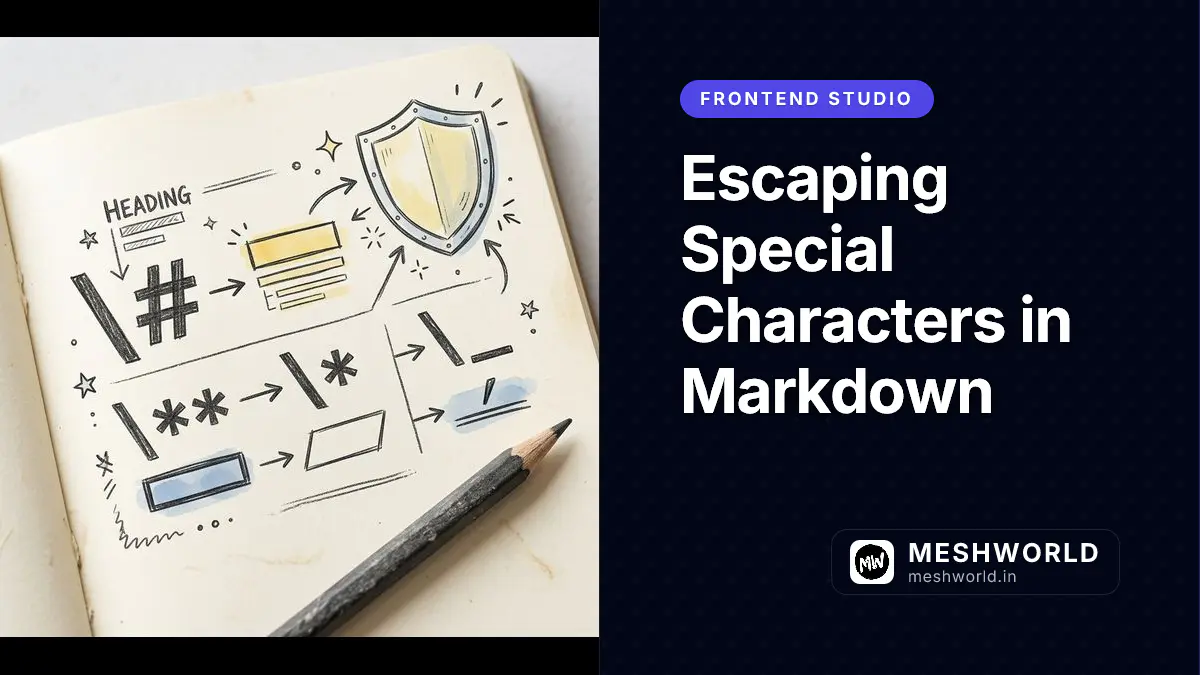
Escaping Special Characters in Markdown
Learn how to escape asterisks, underscores, brackets, and other special characters in Markdown so they display as literal text instead of triggering formatting.

