


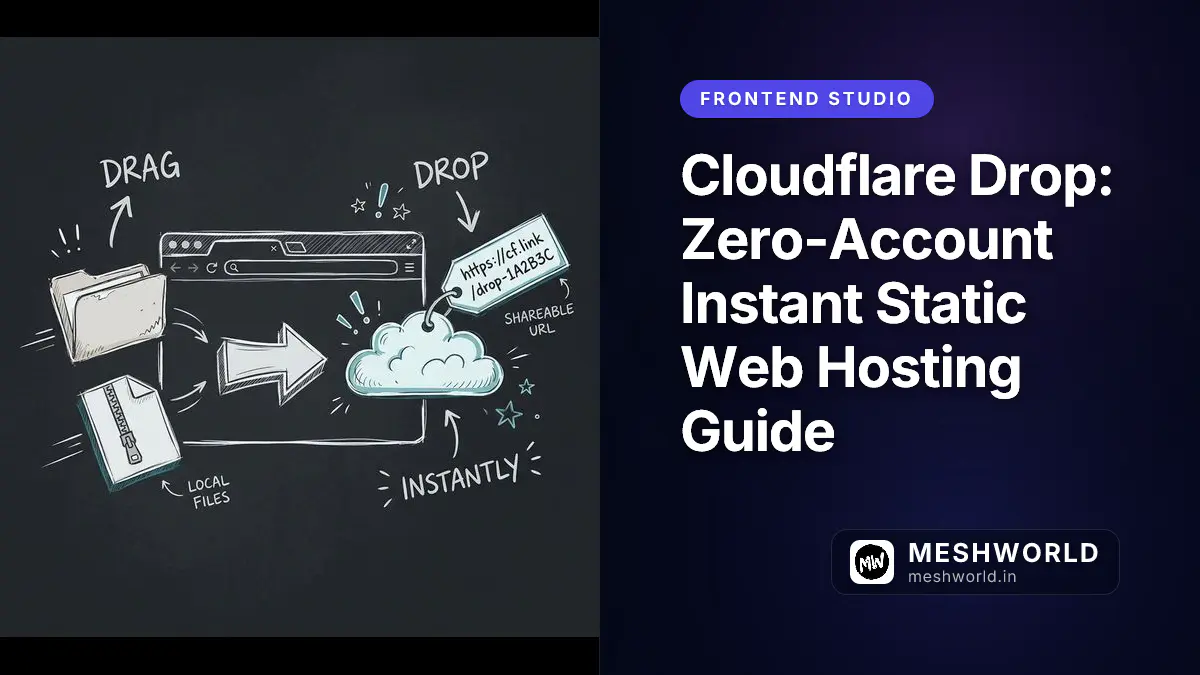
Primary references: Cloudflare Drop Official Portal, Cloudflare Developer Platform Specifications, and Netlify Drop comparative features.
Before deploying static sites, read our edge configuration guide on Optimizing Netlify Blobs for Edge Functions to see how modern serverless platforms optimize asset delivery.
Key Takeaways
- Deploy static sites instantly by dragging folders or ZIP files to cloudflare.com/drop.
- No account needed — get a live preview that lasts exactly 60 minutes.
- Claim it to a free Cloudflare account to keep it forever with custom domains and analytics.
- You need an index.html in the root — no index means 404.
- Web UI caps at 1,000 files and 25 MiB per file to prevent abuse.
On July 8, 2026, Cloudflare introduced Cloudflare Drop, a zero-friction, drag-and-drop tool designed to let developers, designer-prototypers, and AI agents instantly publish static websites directly from their browsers without setting up or even logging into an account.
I’ve been testing this for a few days. It’s dead simple: drag, drop, share. Perfect for when you need to show a mockup to a client without the overhead of a real deployment.

How It Works
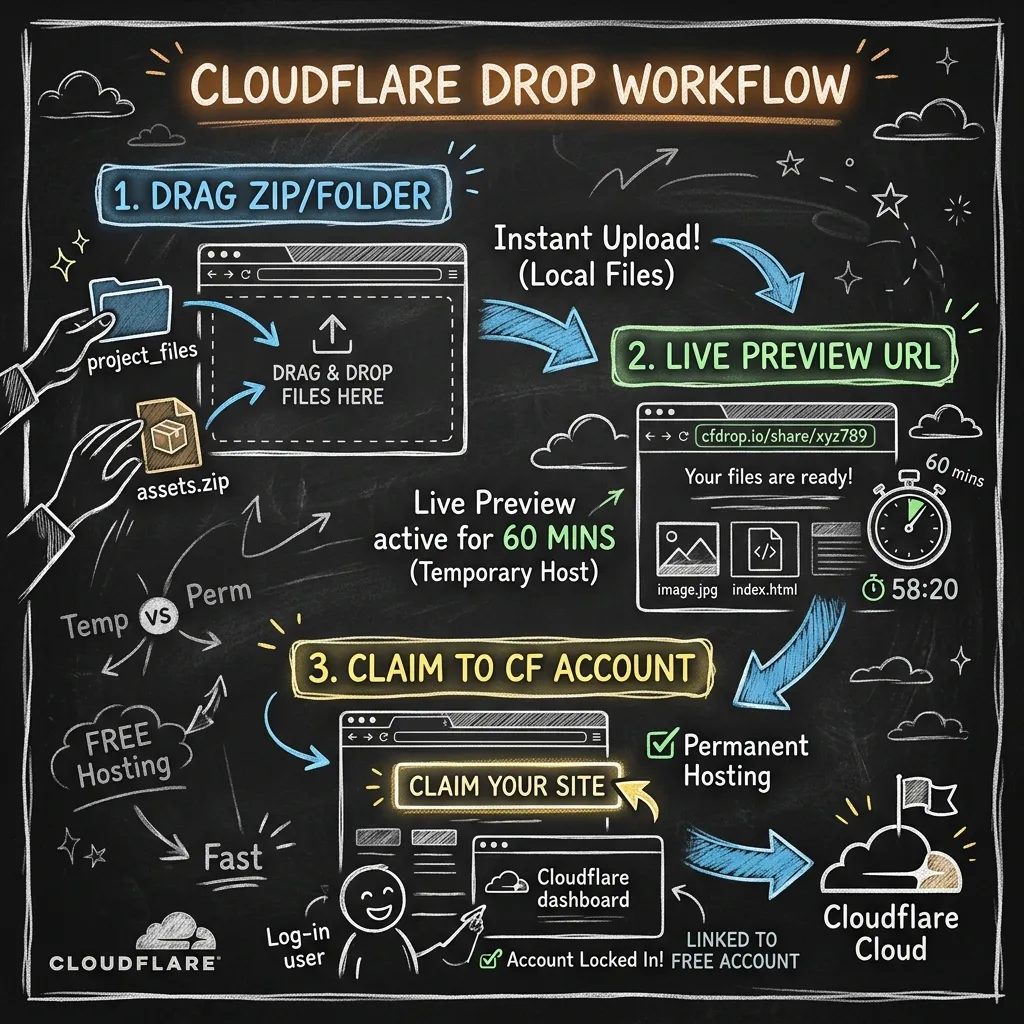
Drop hosts static files (HTML, CSS, JS, images, fonts) on Cloudflare’s edge network for 60 minutes. No registration required.
Under the hood, it spins up temporary sandbox accounts. Think of it as a throwaway Cloudflare account that expires after an hour. Want to keep it? Claim it to your real account before time runs out.
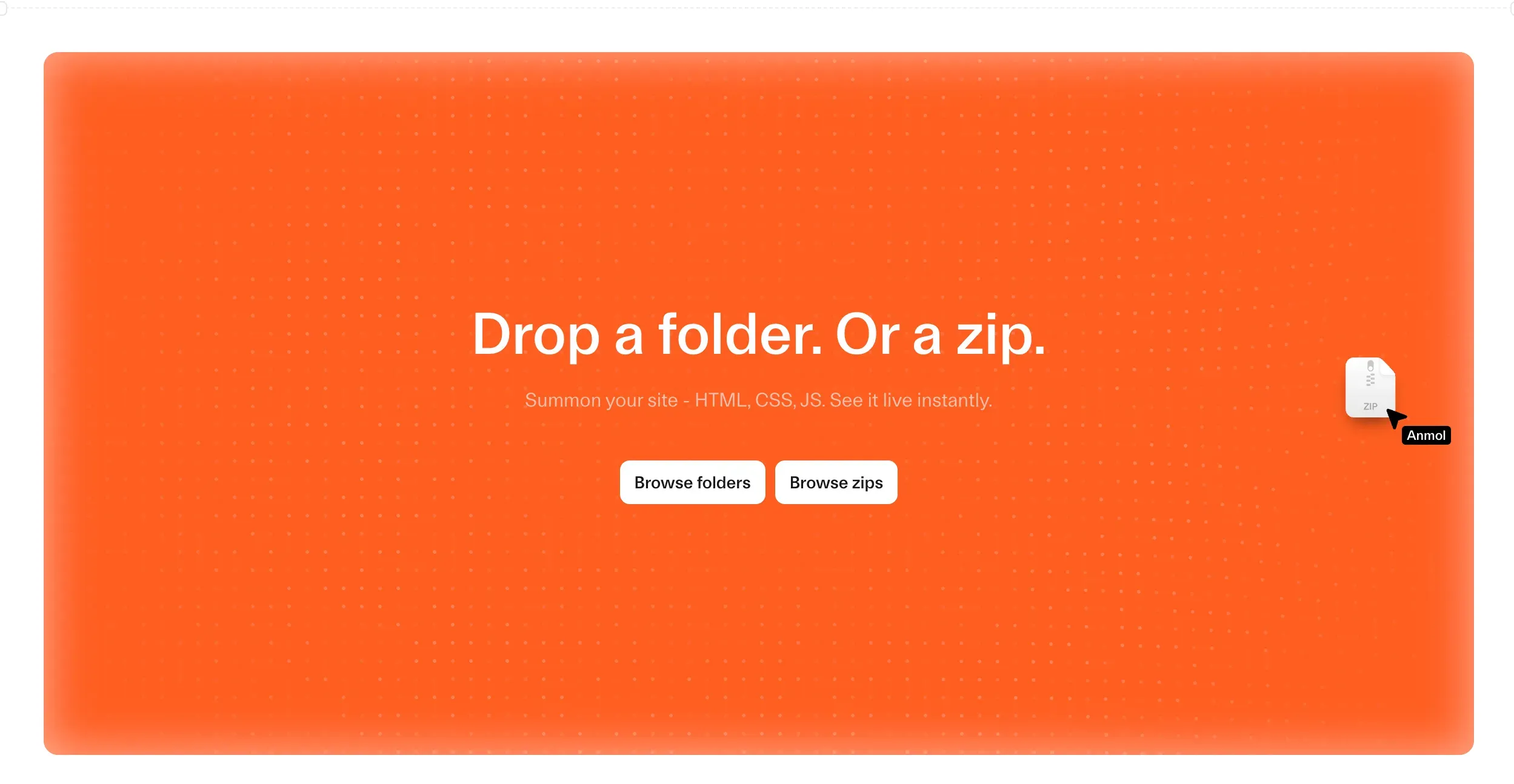
Deploying a website via Cloudflare Drop takes less than a minute. Follow these simple steps:
Quick Setup (30 seconds)
- Prepare Your Assets: Ensure all your static files (HTML, CSS, JavaScript, assets) are organized in a single folder or compressed into a
.ziparchive. - Navigate to the Tool: Open your browser and go to cloudflare.com/drop.
- Drag and Drop: Drag your folder or ZIP file and release it onto the designated drag-and-drop upload zone in the browser window.
- Accept and Publish: Accept the terms and conditions. The service will immediately upload, process, and distribute your assets globally.
- Get Your URL: Within seconds, a live temporary URL is generated (e.g.,
cfdrop.io/share/xyz123), directing users to your newly published website. - Zip it up: Get your static files in a folder or
.zip - Go to drop: Open cloudflare.com/drop
- Drag over: Drop your folder or ZIP onto the zone
- Click through: Accept the terms
- Grab the link: You’ll get a
cfdrop.io/share/xxxURL in seconds
Why index.html is non-negotiable
Static hosts need a default file. Cloudflare Drop demands index.html in your root folder. No index = 404 for anyone who visits.
Check your structure before uploading:
my-project/
├── index.html
├── css/
│   └── styles.css
├── js/
│   └── main.js
└── images/
    └── logo.png
Upload Limits
The web interface caps at 1,000 files with a 25 MiB max per file. These limits keep the network safe from abuse while handling prototypes, landing pages, and docs.
Specs:
- File count: 1,000 max via web
- File size: 25 MiB max
- Updates: No partial updates — re-upload the whole folder to change anything
- Need more? Wrangler CLI handles up to 20,000 files with the same 25 MiB cap
Comparison: Cloudflare Drop vs. Cloudflare Direct Upload
It’s important to distinguish Cloudflare Drop from Cloudflare’s standard dashboard “Direct Upload” feature. They address different developer needs.
| Feature | Cloudflare Drop | Cloudflare Direct Upload |
|---|---|---|
| Account Required | No, for the initial 60-minute preview | Yes, login is mandatory |
| Upload Format | Folders or .zip archives | Folders only (no .zip) or Wrangler CLI |
| Asset Expiry | Expires in 60 minutes unless claimed | Permanent (until deleted by user) |
| Git Integration | Claimed projects can connect to GitHub/GitLab later | Projects uploaded via Direct Upload cannot link to Git later |
| Build Step | No (pre-built static assets only) | No (pre-built static assets only) |
Unlike other static hosting services like Vercel, which run automated build steps on serverless instances, both Cloudflare Drop and Direct Upload require assets to be fully pre-built. The build step must be run locally or via CI/CD before uploading.
How does the “Claiming” Process Work?
Claiming is the process of transferring a temporary site into a permanent Cloudflare account, converting the 60-minute preview into a standard, permanently active project.
Before the temporary site expires, a “Claim” button will be displayed on the preview page. Clicking this button prompts you to log in or register a free Cloudflare account. Once logged in, the project is imported into your dashboard, unlocking advanced features:
- Custom Domain Mapping: Connect domains you own or buy a domain directly through Cloudflare Registrar.
- Observability and Analytics: Track real-time visitor statistics, caching ratios, and request counts.
- Access Control Policies: Use Cloudflare Access/Zero Trust to make the site private and restrict access to authorized users.
- AI Agent Scraping Rules: Toggle structured Markdown extraction, allowing AI agents to read your site content cleanly.
Security Risks and Misuse Concerns
The zero-barrier, zero-account nature of Cloudflare Drop creates potential vectors for hosting malicious content (such as phishing sites) under Cloudflare’s highly trusted ASN and IP ranges.
Because Cloudflare’s infrastructure is trusted by default by most security filters, malicious pages hosted on its network can bypass standard email spam filters and browser warning systems. To mitigate this risk, Cloudflare enforces the 60-minute expiry on unclaimed sites, keeping the window of vulnerability small, and employs automated scanning protocols on incoming drops to filter out known phishing templates and malware.
Of course. Here are some prominent alternatives to Cloudflare Drop and its related deployment tools, organized by their key differentiators:
⚔️ Direct Competitors: Other “Drop” Services
These platforms offer a similar drag-and-drop experience, with key differences in their build processes.
| Feature | Vercel Drop | Netlify Drop | Pages Drop (by EdgeOne) |
|---|---|---|---|
| Build Step | Yes. Detects and builds frameworks (e.g., Next.js) automatically. | No. Serves pre-built static files as-is. | Information not specified. |
| Account Required | Yes. Requires a Vercel account to deploy. | No. Allows anonymous deploys that expire in 1 hour unless claimed. | Information not specified. |
| Updating a Project | Each drop creates a new project. | Drag an updated folder onto the project’s dashboard to update the existing site. | Information not specified. |
| Best For | Deploying framework projects or AI tool exports without local builds. | Quickly re-publishing finished static sites, or trying before signing up. | Free static hosting on Tencent Cloud’s global CDN. |
🔧 A Cloudflare-Specific Alternative: Direct Upload
This is the more powerful, built-in alternative within the Cloudflare ecosystem itself.
- What it is: Cloudflare Direct Upload lets you deploy pre-built assets to Cloudflare Pages via a drag-and-drop in the dashboard or the Wrangler CLI.
- Key Differences from Cloudflare Drop:
- Account Required: Yes, you must be logged into Cloudflare.
- Project Management: You can create new deployments into the same project, making iteration straightforward.
- Limitations: It has technical limits (e.g., 1,000 files via drag-and-drop) and projects created this way cannot be switched to Git integration later.
🏗️ Self-Hosted & Open Source Alternatives
For those wanting full control over their infrastructure, these projects offer platforms you can run yourself.
- Dokploy: A self-hosted Platform as a Service (PaaS) that serves as an open-source alternative to Vercel, Netlify, and Heroku. It supports deploying applications (Node.js, PHP, Python, Go, etc.), managing databases, and using Docker Compose for complex apps.
- Frost: An open-source alternative to Vercel, Netlify, Railway, and Render. It features a Git push deployment workflow, automatic SSL, and a Docker-native architecture.
🌐 Platform & Infrastructure Alternatives
- NetGoat: A self-hostable reverse proxy engine designed for users who want Cloudflare-like features (Zero Trust, DDoS protection, etc.) with full control, and can be used as an additional layer on top of Cloudflare itself.
- VergeCloud: An India-centric CDN and security platform built to address the specific internet infrastructure, low-latency needs, and data residency requirements of the Indian market.
Choosing the right alternative depends on whether you need a quick test, a simple static site, a powerful framework builder, or full control over your hosting infrastructure.
Summary and Verdict
Cloudflare Drop is a highly efficient tool for developers needing instant, zero-setup web hosting. It provides a simple sandbox environment for:
- Sharing rapid mockups with clients or team members.
- Testing client-side routing and edge-delivery speeds.
- Serving temporary documentation, presentations, or static assets.
- Accelerating workflows with AI coding agents that need an immediate web endpoint to verify designs.
By combining the simplicity of Netlify Drop with the speed of Cloudflare’s global edge network, it serves as the easiest gateway into Cloudflare’s broader developer ecosystem.
Related Guides & Resources
- Speed Optimization: Learn How to Optimize Web Vitals for Modern Frontends.
- Edge Workloads: Explore Lightweight Edge In-Memory Caching on Netlify to minimize serverless cold starts.
- Asset Compression: Read our guide on Optimizing Images with Squoosh to compress assets before dropping them.


