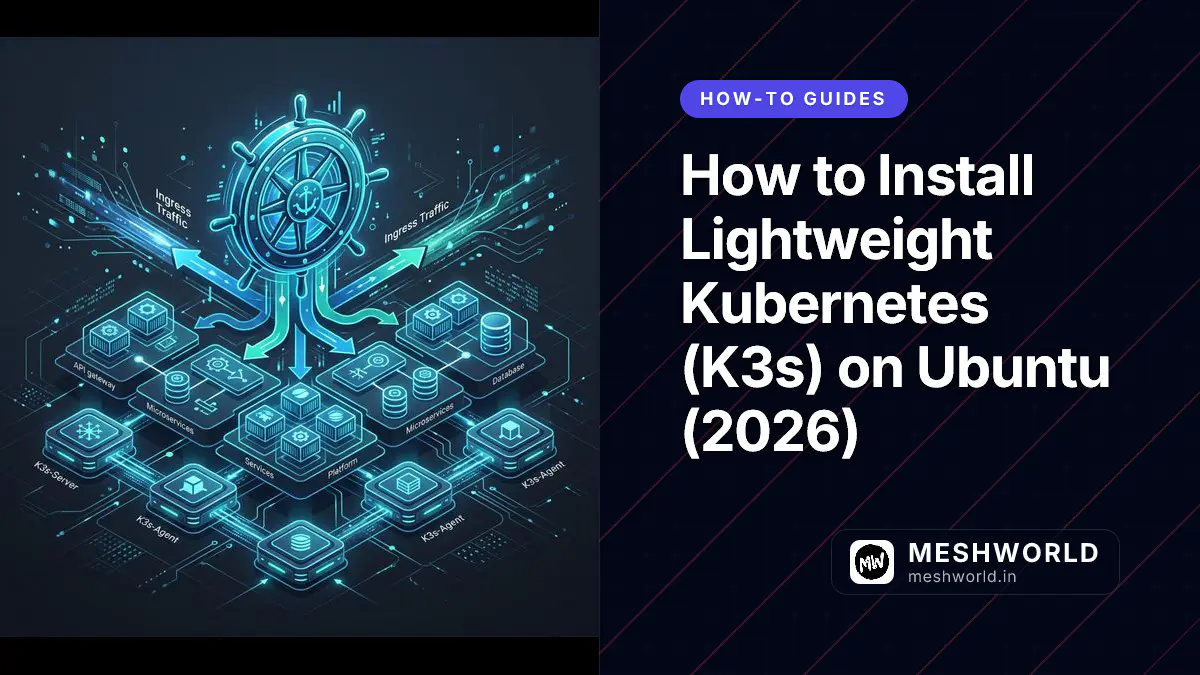
K3s is a certified, lightweight Kubernetes distribution developed by Rancher (SUSE). Designed for production edge devices, IoT clusters, development workstations, and CI/CD pipelines, K3s packages full Kubernetes capabilities into a single binary memory footprint under 100 MB.
By replacing default etcd with sqlite3 (or external PostgreSQL/MySQL), bundling Containerd, Flannel CNI, CoreDNS, Local Storage Provisioner, and Traefik Ingress Controller, K3s eliminates complex Kubernetes cluster bootstrap steps on Ubuntu 24.04 LTS (Noble Numbat) or 22.04 LTS (Jammy Jellyfish).
Last updated: July 24, 2026
Key Takeaways
- K3s is a fully compliant CNCF Kubernetes distribution optimized for low-resource Linux environments.
- Installing K3s requires a single automated shell installation script (`curl -sfL https://get.k3s.io | sh -`).
- To execute `kubectl` commands without `sudo` privileges, copy `/etc/rancher/k3s/k3s.yaml` to `$HOME/.kube/config` and change ownership.
- K3s includes Traefik Ingress Controller and Local Path Provisioner storage out of the box.
What are the system requirements for K3s Kubernetes?
Running K3s lightweight Kubernetes requires an Ubuntu, Debian, or Raspberry Pi OS 64-bit server with at least 512 MB RAM, 1 CPU core, and sudo administrative privileges.
Before installing K3s on Ubuntu, Debian, or Raspberry Pi OS, verify minimum hardware requirements:
- Operating System: Ubuntu 24.04 LTS, 22.04 LTS, Debian 12, or Raspberry Pi OS (64-bit)
- Memory: Minimum 512 MB RAM (1 GB+ recommended for running workloads)
- CPU: 1 CPU core (x86_64 or ARM64)
- Privileges: User account with
sudoadministrative rights
How do you install K3s on Ubuntu?
To install K3s on Ubuntu, run the official automated installer script (curl -sfL https://get.k3s.io | sh -), which installs the unified binary and registers the systemd service.
K3s provides an official automated installer script that configures systemd services and kubectl binaries.
Step 1: Execute the Automated K3s Installer
Open terminal (Ctrl+Alt+T) and run the official installation command:
curl -sfL https://get.k3s.io | sh -This installer performs the following setup tasks:
- Downloads the
k3sunified binary to/usr/local/bin/k3s. - Creates symlinks for
kubectl,crictl, andctr. - Configures and starts the
k3ssystemd control plane service.
Step 2: Verify K3s Service Status
Confirm that the K3s server daemon is running:
sudo systemctl status k3sCheck node health using kubectl:
sudo k3s kubectl get nodesExpected output: node-name Ready control-plane,master ...
How do you configure kubectl for non-root users?
To configure kubectl for non-root users, copy /etc/rancher/k3s/k3s.yaml to $HOME/.kube/config, set file ownership to your current user account, and export the KUBECONFIG variable.
By default, the k3s.yaml configuration file requires root privileges. Follow these steps to enable non-root kubectl CLI access:
Step 1: Copy Configuration to User Home Directory
# Create .kube directory
mkdir -p ~/.kube

# Copy K3s kubeconfig to user directory
sudo cp /etc/rancher/k3s/k3s.yaml ~/.kube/config

# Grant current user ownership
sudo chown $(id -u):$(id -g) ~/.kube/config

# Restrict permissions for security
chmod 600 ~/.kube/config
Step 2: Export KUBECONFIG Environment Variable
Append the KUBECONFIG variable export to your shell profile (~/.bashrc):
echo 'export KUBECONFIG=~/.kube/config' >> ~/.bashrc
source ~/.bashrc
Step 3: Verify Non-Root kubectl Execution
Test running standard kubectl commands directly:
kubectl get nodes
kubectl get pods -A
How do you deploy an application and ingress on K3s?
To deploy an application and ingress on K3s, create an NGINX deployment, expose it as a ClusterIP service, and apply a Traefik Ingress manifest targeting your HTTP routes.
Test your K3s cluster by deploying a sample NGINX web server workload.
Step 1: Create an NGINX Deployment and Service
# Create NGINX deployment
kubectl create deployment nginx-demo --image=nginx:alpine

# Expose deployment as a ClusterIP service
kubectl expose deployment nginx-demo --port=80 --type=ClusterIP
Step 2: Create a Traefik Ingress Route
Create a manifest file named nginx-ingress.yaml:
nano nginx-ingress.yamlPaste the following Ingress manifest:
apiVersion: networking.k8s.io/v1
kind: Ingress
metadata:
  name: nginx-ingress
  annotations:
    ingress.citadel.traefik.io/router.entrypoints: web
spec:
  rules:
  - http:
      paths:
      - path: /
        pathType: Prefix
        backend:
          service:
            name: nginx-demo
            port:
              number: 80
Apply the ingress manifest:
kubectl apply -f nginx-ingress.yamlStep 3: Test Application Access
Send a curl request to your server’s IP address:
curl http://localhostOutput displays the default NGINX welcome page.
How do you join additional worker nodes to a K3s cluster?
To join additional worker nodes to a K3s cluster, retrieve the cluster join token from /var/lib/rancher/k3s/server/node-token on the master node and run k3s agent on worker nodes.
To scale your single-node cluster into a multi-node Kubernetes cluster:
Step 1: Retrieve the Cluster Node Token from Master Node
On your primary server (master node), read the join token:
sudo cat /var/lib/rancher/k3s/server/node-tokenStep 2: Execute K3s Agent Installer on Worker Node
On your worker node server, run:
curl -sfL https://get.k3s.io | K3S_URL=https://<MASTER-IP>:6443 K3S_TOKEN=<NODE-TOKEN> sh -Check master node to confirm worker node registration:
kubectl get nodesFor production high availability (HA) deployments, run k3s server --cluster-init on your first control plane node to initialize an embedded etcd cluster, and join secondary master nodes using k3s server --server https://<FIRST-MASTER-IP>:6443 --token <TOKEN>.
How do you monitor and upgrade a K3s Kubernetes cluster?
To monitor and upgrade a K3s Kubernetes cluster, inspect real-time pod events using kubectl get events and re-run the official installer script to perform in-place binary upgrades.
Managing an active K3s cluster involves inspecting real-time system events and executing seamless rolling upgrades.
Step 1: Inspect System Events and Pod Diagnostics
To troubleshoot pending pods or container crash loops, inspect cluster event logs:
# View recent cluster events ordered by timestamp
kubectl get events --sort-by='.metadata.creationTimestamp'

# Describe specific pod status
kubectl describe pod -l app=nginx-demo
Step 2: Upgrade K3s to the Latest Kubernetes Release
To upgrade K3s on a running server without losing cluster state or persistent volume claims, re-run the official installer script:
curl -sfL https://get.k3s.io | sh -The installer detects your existing installation, performs an in-place upgrade of control plane binaries, and restarts the k3s systemd service gracefully.
Frequently Asked Questions (PAA)
What is the difference between K3s and standard Kubernetes (K8s)?
Standard Kubernetes requires separate etcd, flannel, and API server processes. K3s packages all control plane components into a single executable under 100 MB, substituting heavy dependencies with sqlite3 and containerd.
Can K3s run Docker containers?
Yes. Although K3s uses containerd as its default CRI runtime, you can configure K3s to use Docker Engine by passing the --docker flag during installation.
How do I uninstall K3s from Ubuntu?
K3s provides an automated uninstallation script that clears all binaries, systemd units, and network interfaces:
/usr/local/bin/k3s-uninstall.sh(On worker agent nodes, run /usr/local/bin/k3s-agent-uninstall.sh)
Read Next
- How to Install Docker on Ubuntu, macOS, and Windows
- How to Set Up NGINX Reverse Proxy on Ubuntu
- How to Set Up GitHub Actions CI/CD Workflows
Related Articles
Deepen your understanding with these curated continuations.

How to Install Open-WebUI with Ollama for Local AI (2026)
Step-by-step guide to installing Open-WebUI and Ollama using Docker on Ubuntu and Linux for a private, offline ChatGPT-like AI environment.

How to Install NVIDIA Container Toolkit & PyTorch CUDA (2026)
Complete guide to installing NVIDIA GPU drivers, NVIDIA Container Toolkit (nvidia-ctk), and PyTorch CUDA 12 on Ubuntu 24.04/22.04 LTS.

How to Install Redis Server & Redis CLI on Ubuntu & Linux (2026)
Step-by-step guide to installing Redis Server and Redis CLI on Ubuntu 24.04/22.04 LTS via official APT repository with security, password, and systemd setup.