

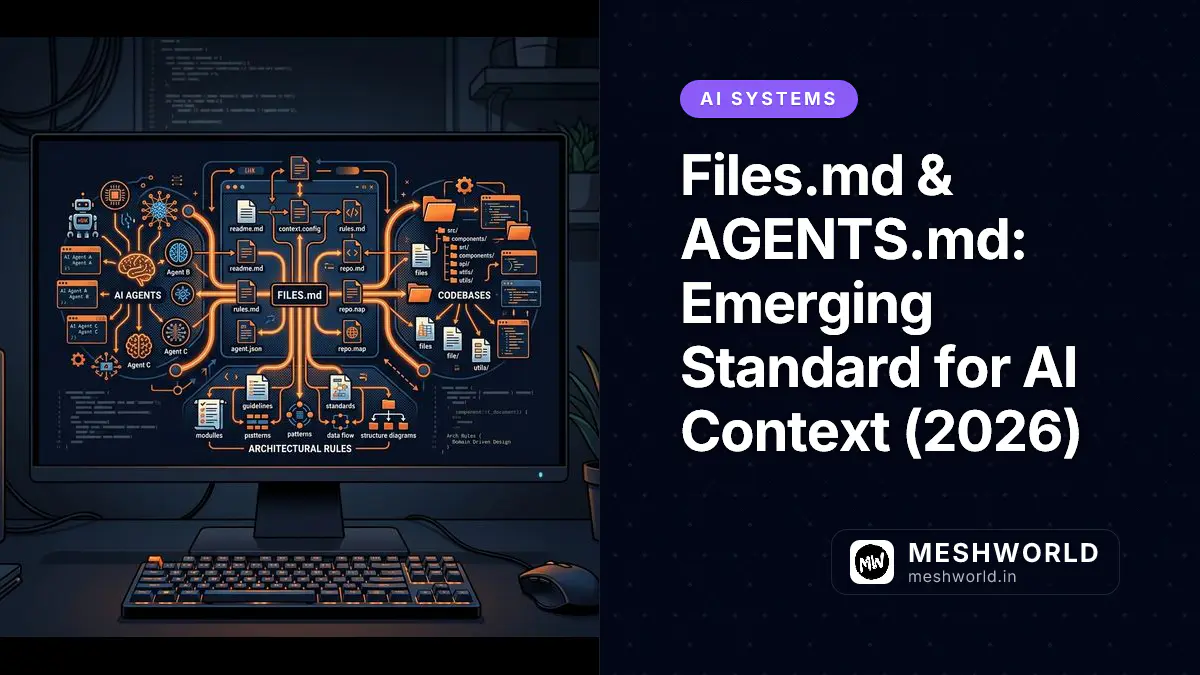
As AI coding agents like Claude Code, Cursor, Windsurf, and Copilot Workspace evolve from line-by-line autocompletion to autonomous repository-scale software engineering, context engineering has become the single most critical factor determining code quality and architectural consistency.
Without standardized context guidance, LLM agents waste token budgets scanning irrelevant directories, invent non-existent APIs, or violate local codebase conventions. The emerging FILES.md and AGENTS.md open standards solve this problem by providing structured, machine-readable maps that guide AI agents to authoritative repository paths and project rules.
Key Takeaways
- FILES.md provides an explicit repository routing table and file map that prevents AI agents from speculative directory walking.
- AGENTS.md establishes project-scoped coding rules, framework conventions, and forbidden anti-patterns across developer tooling.
- Using localized context files reduces agent token consumption by 60% to 90% while preventing hallucinated APIs.
- Centralizing context engineering in .ai/ or repository root files ensures consistent behavior across human developers and AI subagents.
What is the FILES.md standard and why is context engineering critical for AI agents?
FILES.md is a structured Markdown specification that maps codebase directory structures, active domain silos, and key utility files for AI agents. By maintaining a dedicated file index at the root of a project or inside a .ai/ configuration root, developers eliminate token-heavy file searches. When an AI agent initializes a workspace session, reading FILES.md allows it to immediately pinpoint target files without wasting context window capacity crawling node modules or build artifacts.
# Repository Index & File Map (FILES.md)

## Core Architecture
- `/src/components/ui/` -> Reusable UI primitive components
- `/src/lib/utils.ts` -> Central helper functions & formatters
- `/src/data/` -> Static typed content collections

## Feature Silos
- `/src/content/blog/ai/` -> AI tools & framework tutorials
- `/src/content/blog/productivity/iscreen/` -> iScreen productivity suite guides
- `/src/content/blog/cheatsheets/` -> Developer CLI cheat sheets
How does AGENTS.md define project rules and architectural constraints?
AGENTS.md defines mandatory coding guidelines, framework rules, forbidden patterns, and stack constraints that AI agents must enforce. Unlike generic system prompts, AGENTS.md acts as a project-specific policy document automatically parsed by agentic coding tools like Claude Code, Cursor, and custom MCP agents. It prevents common LLM failures such as introducing unapproved dependencies or altering established directory layouts.
# AGENTS.md — Project Memory & Agent Rules

## Tech Stack Rules
- Framework: Astro 5 (Static SSG mode)
- Styling: Tailwind CSS 4 + custom brand tokens (`#ffbc3b`, `#1a1a37`)
- Execution: Use `bun run` for local scripts; `pnpm` for package installation

## Hard Constraints
1. Every new article MUST have a unique hero image generated via `generate_image`.
2. Do NOT copy cover images from existing article directories.
3. Always generate all 4 operational sidecar files (`_social_media.md`, `_communities.md`, `_newsletters.md`, `_republish.md`).
What are the best practices for setting up AI context management in your repository?
Implementing AI context management requires structuring repository metadata into clear routing tables, memory state files, and automated sidecar templates. Organizing context logically ensures both human developers and autonomous AI subagents execute changes cleanly without breaking architectural constraints.
To maximize AI pair programming productivity across complex web applications, engineering teams should follow these core practices:
- Keep Context Files Lightweight: Keep
FILES.mdandAGENTS.mdunder 200 lines to avoid consuming excessive prompt tokens on initial agent startup. - Decouple Dynamic Memory from Static Rules: Store static coding standards in
AGENTS.mdwhile maintaining session state and active tasks in.ai/scratchpad.mdor.ai/agent-memory/project/MEMORY.md. - Use Explicit File Links: Always format internal references with clickable file URIs so human developers and AI agents can seamlessly jump between instructions and implementation files.
# Example project structure for AI context management
my-project/
├── .ai/
│   ├── map.md                      # Global agent routing table
│   ├── scratchpad.md               # Active session context
│   └── agent-memory/
│       └── project/
│           └── MEMORY.md           # Durable project facts
├── AGENTS.md                       # Project coding rules
├── FILES.md                        # Codebase file map
└── src/
Frequently Asked Questions
Which AI coding tools support AGENTS.md and FILES.md?
Modern agentic coding assistants including Claude Code, Cursor, Windsurf, Copilot Workspace, and open-source MCP frameworks support parsing AGENTS.md and FILES.md automatically upon workspace initialization.
How does FILES.md differ from a standard README.md?
README.md is written for human developers to understand project setup, installation, and usage. FILES.md is optimized specifically for AI agent context engineering, containing structured file maps, entry points, and domain boundaries.
What to Read Next
- Zero-Cost Claude Code + Ollama Setup Guide — Run local open-weights LLMs with Claude Code CLI by VD.
- iScreen Productivity Suite Guide — Master macOS workspace and window management by VD.
- Linux Bash Cheat Sheet: Commands & Scripting — CLI automation workflows.


